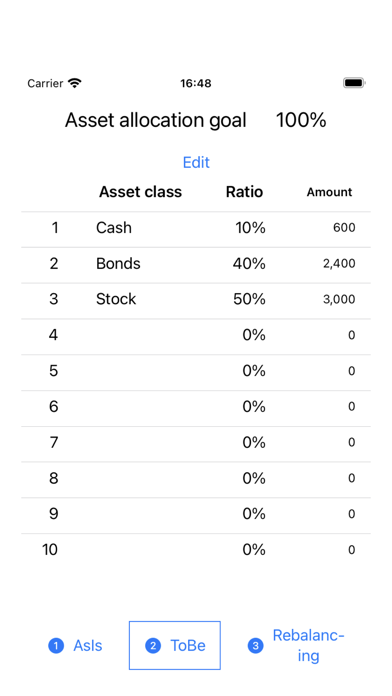
This app calculates how much of each asset should be reduced and how much should be increased based on your current asset amount, target asset percentage and amount you want to withdrawal
This app calculates how much of each asset should be reduced and how much should be increased based on your current asset amount, target asset percentage and amount you want to withdrawal.
Step 1: Enter a breakdown of your current asset amount.
Step 2: Enter your target asset percentage.
Step 3: If withdrawing at a fixed rate, enter the withdrawal rate. If withdrawing a fixed amount, enter the withdrawal amount.
→The buying and selling amounts for each asset, as well as the asset amount and percentage breakdown after withdrawal will be displayed.