LoudScript turns text into natural speech using downloadable Supertonic voices that run directly on your device
LoudScript turns text into natural speech using downloadable Supertonic voices that run directly on your device.

Type or paste text, choose a speaking speed, and follow along with sentence highlighting. LoudScript automatically detects the language and selects a suitable voice.

BETTER VOICES ON YOUR DEVICE
- Download Supertonic voices for on-device speech
- Generate speech directly on your device
- Keep text out of an online speech service during Supertonic playback
- Fall back to Apple Voices when Supertonic is unavailable or does not support the detected language

WAYS TO ADD TEXT
- Type text directly
- Paste text from the clipboard
- Extract plain text from one photo using OCR
- Extract plain text from a PDF using OCR

LISTEN YOUR WAY
- Adjust speaking speed from 0.5x to 2x
- Follow sentence highlighting during playback
- Move through the text with the progress slider
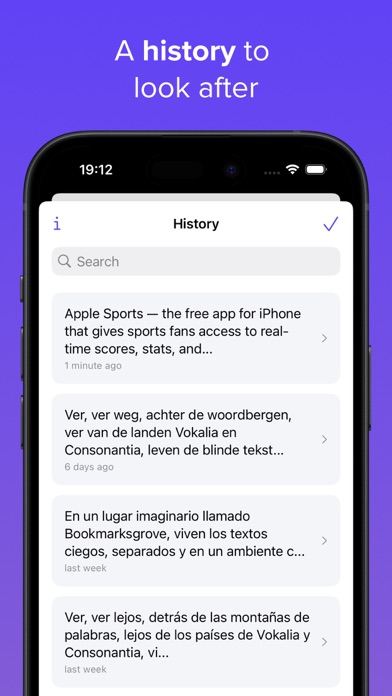
- Reopen saved entries from history

PREMIUM
- Remove the 2,000-character limit
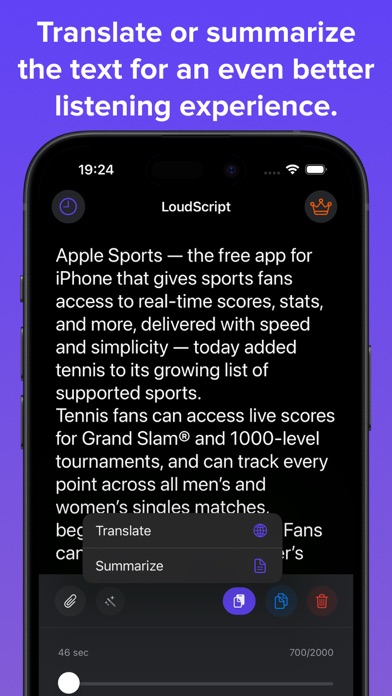
- Translate text online
- Summarize text online

No account is required.

Photo and PDF import extracts plain text before playback. Translation and summarization require an internet connection.

Terms of Use: https://loudscript.app/tos.html