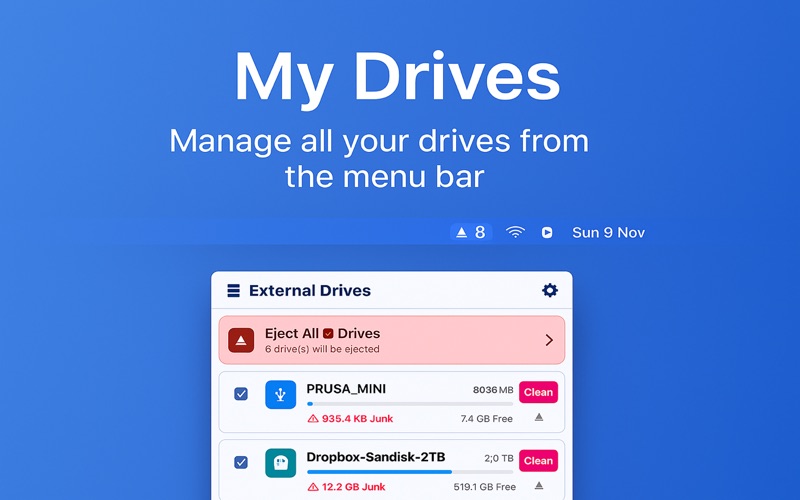
Manage, clean, and eject your external drives directly from your Mac’s menu bar.
Stay organized, save space, and safely remove drives with one click.

My Drives lets you manage, clean, and eject all your external disks directly from the macOS menu bar — beautifully and effortlessly.

Smart Drive Management
    -    View all connected external drives from the menu bar
    -    Eject with one click or eject all safely at once
    -    Pin important drives to prevent accidental ejection
    -    Optionally show drive count directly in the menu bar
    -    Automatically hides internal disks and system volumes

Clean Unwanted Junk
Automatically detects and on demand removes hidden junk files:
    -    .DS_Store, .Spotlight-V100, .Trashes, .fseventsd, AppleDouble (._*)
    -    Thumbs.db and cross-platform cache files
    -    See exactly how much junk is found with color-coded progress bars

Elegant macOS Design
    -    Modern, CleanMyDrive-inspired interface
    -    Visual drive indicators for space usage and health
    -    Lightweight — always available in your menu bar

Quick Actions
    -    One click to open drive in Finder
    -    Clean junk with one click
    -    Eject one or all drives instantly (except pinned ones)
    -    Real-time space and status updates

Settings
    -    Start automatically at login
    -    Toggle drive count in menu bar
    -    Access app info and support