CDEFGAB Music Toolkit turns scales, modes and chords into something you can see and play — on guitar, bass and piano keys, in one app
CDEFGAB Music Toolkit turns scales, modes and chords into something you can see and play — on guitar, bass and piano keys, in one app. Tap notes on the neck and the app names the mode you just built and the chords hiding inside it.


SEE EVERY SCALE AND MODE

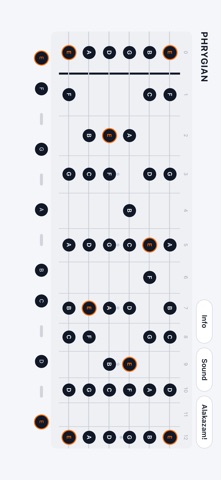
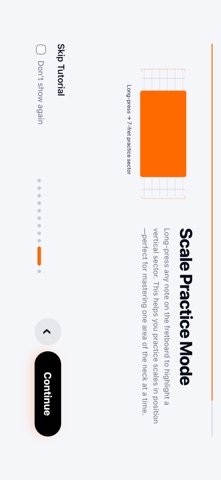
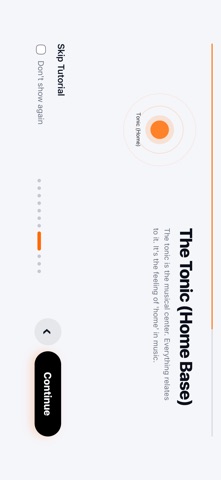
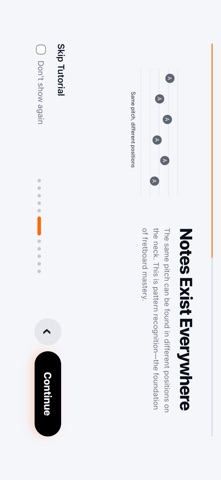
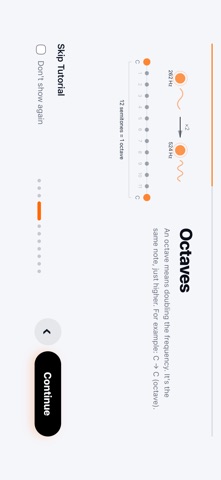
Tap notes directly on the fretboard to build any scale or mode. Set the tonic, read the intervals at a glance, and transpose the whole pattern to any key without losing the shape. Switch the same scale between guitar, bass and piano keys instantly — the relationships stay the same, only the layout changes.


FIND THE MODE, AND THE CHORDS INSIDE IT

Not sure what you just played? Matching Scales finds every scale and mode that contains the notes you selected, with suggested tonics and closest matches from the built-in library. In chord mode every note shows which chords it belongs to, so theory stops being abstract.


LEARN CHORDS — THE APP LISTENS

A step-by-step chord course teaches shapes one at a time. Play the chord and the microphone checks it: each note lights up green as it rings, and the lesson moves on by itself once the chord sounds clean. Chord changes are graded the same way, at a tempo you set.


THEORY THAT CONNECTS

17 harmony lessons with quizzes, a Circle of Fifths view, a chord builder with alternate voicings, progression tools, and a chord reference you can browse from A to Z.


MICROTONAL TUNER

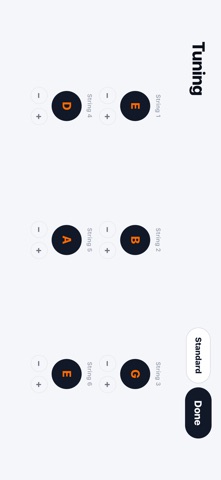
A microphone tuner with chromatic and microtonal modes. Tune to any target note, hear the reference tone, and save custom string tunings for alternate setups.


PRACTICE AND TIMING

Guided fretboard exercises for accuracy and speed across the neck. A rhythm sequencer and metronome with accents, polyrhythms and polymeters, plus a tap trainer that grades how tightly you play.


PLAY YOUR WAY UP

Career mode takes you from bedroom to stadium. Perform the real exercise at each venue while the mic grades your timing, earn Riffs, and watch your skill profile fill in.


MORE

• Guitar, bass and piano keyboard modes
• Interval strip you can show or hide
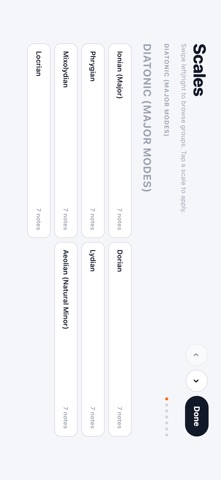
• Scale Library to browse and apply scales and modes
• Scale 2 mode to compare two selections
• Left-handed mode (mirrored fretboard)
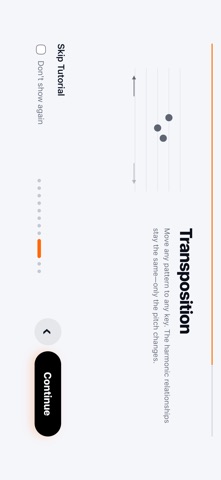
• Interactive guided tours in every module
• Landscape, distraction-free interface
• Works offline, no account required


NEED HELP?

Open Info in the app and tap "User Guide" for the full documentation.