PNG Shrinker is the fastest way to reduce PNG file sizes on macOS.

No windows. No settings. No extra steps.

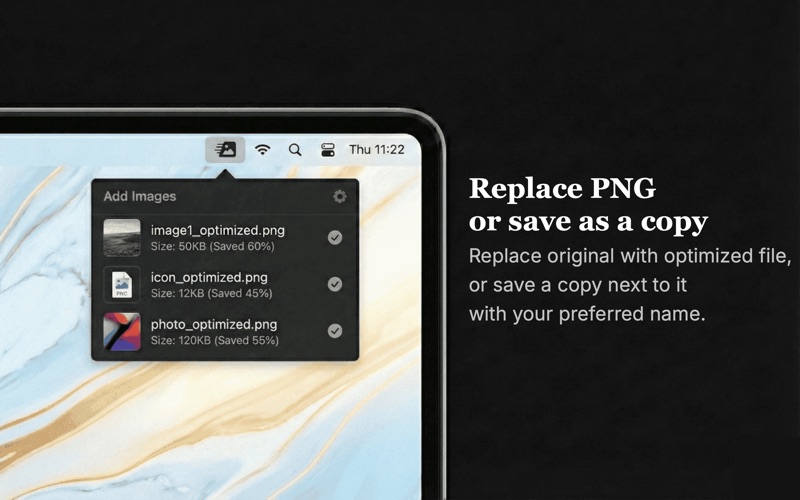
Just drag and drop a PNG file onto the menu bar icon and it is instantly optimized and saved.
PNG Shrinker lives in your menu bar and is always one click away.

How it works
PNG Shrinker runs in the menu bar.
You drag and drop a PNG file.
The image is optimized automatically.
The compressed file is saved next to the original.

That’s it.

Who it’s for
-Web developers
-Designers
-Content creators
-Anyone who works with PNG images

If you work with PNG files regularly, PNG Shrinker saves you time every day.

Why PNG Shrinker
-Fast and lightweight
-Simple drag and drop workflow
-Significant file size reduction with no visible quality loss
-No configuration required
-Always available in the menu bar
-One job. Done well.

PNG Shrinker focuses on one thing only: making PNG files smaller, fast and effortless.

Nothing more. Nothing in the way.

Support: [email protected]
Terms:
https://www.apple.com/legal/internet-services/itunes/dev/stdeula/