Gyuni Player is a video player for macOS built around a simple idea:
let the content speak
Gyuni Player is a video player for macOS built around a simple idea:
let the content speak.

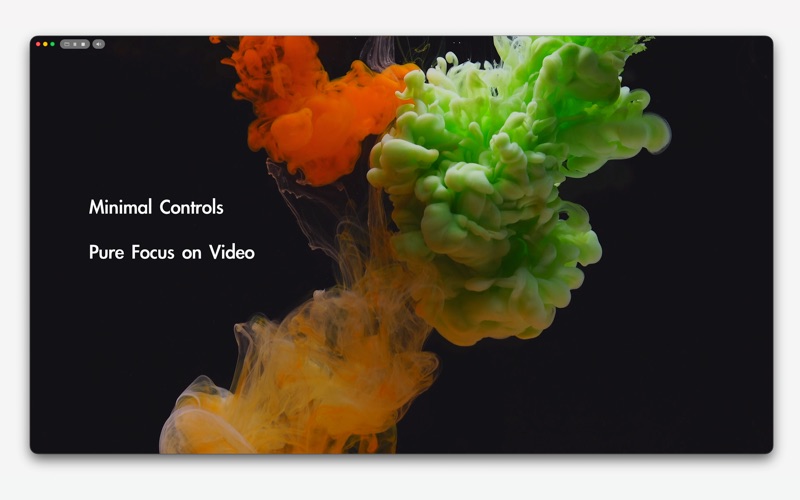
Instead of covering your screen with bulky controls, essential features appear only when needed - thoughtfully placed, subtle, and precise.

It’s minimal, yet capable.
Beautiful, yet practical.

Every feature is designed to feel refined in the Gyuni style:
practical, calm, and carefully integrated into the viewing experience.

And when you’re not actively watching, Gyuni Player becomes something more.

With Frame Mode, your favorite photos and videos can play quietly in a corner of your screen - like a small digital frame - without interrupting your workflow.

KEY FEATURES

Smart Canvas
Adjust aspect ratio effortlessly.
Remove letterboxing, also known as black bars, with a simple drag.
Freely resize to your preferred viewing ratio, and Gyuni Player intelligently snaps it to the nearest standard aspect ratio for a balanced, natural result.
Double-click to apply. Press Esc to cancel.
Crop settings are saved per file.

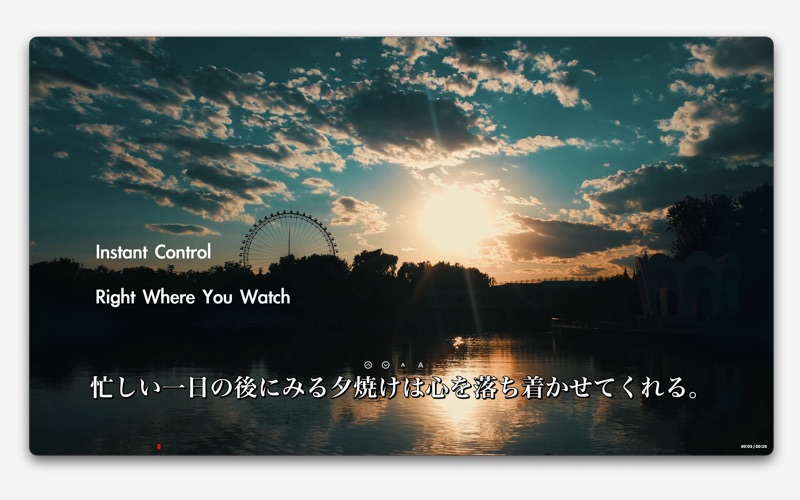
On-Screen Subtitle Controls
A rare approach among video players.
Adjust subtitle size, position, and sync directly on screen using intuitive overlay controls.
Menus and keyboard shortcuts are fully supported.

Smart Fast Scan
Move through videos quickly with improved responsiveness, subtitle stability, and smoother seeking behavior.
Designed to make scanning, checking, and reviewing video feel more natural.

Playback Speed
Play from 0.5x slow motion up to 16x high-speed playback.

Step Seek
Fine-tune seek intervals down to 1 second.
Gyuni Player lets you move through video with more precise control when small jumps matter.

Smart Timeline
Thumbnail previews are large, practical, and refined for focused scrubbing.
Gyuni Player keeps previews visible while you move through the timeline, with subtle macOS-native animation used only when it helps.

Frame Mode
Turn Gyuni Player into a calm desktop companion.
Rotate photos or videos at intervals, enable random playback, and keep the window Always on Top.

Frame-by-Frame Viewing
Step through video one frame at a time when you need closer control.

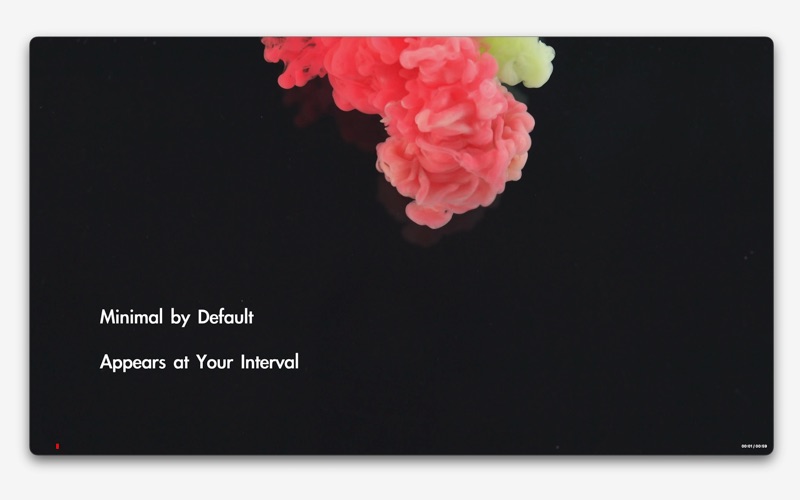
Periodic Playback Info
Check your progress without breaking immersion.
The timeline handle and current time appear briefly at your chosen interval.

Video & Audio Themes
Gyuni Player keeps advanced tuning approachable through refined presets.

Picture Quality
HDR10-aware playback with tone mapping support.
Partial Dolby Vision support is included, with support for Profile 5, Profile 8.1, Profile 8.4, and Profile 7 base-layer playback through carefully selected Dolby Vision, HDR10/PQ, and HLG fallback paths.

High-quality upscaling when resizing.
Native 4K playback support.
8K playback supported on capable Mac hardware.
Optimized for Full HD and lower resolutions.

Audio & Bluetooth Refinements
Adjust Bluetooth audio delay when needed.
Gyuni Player provides practical audio sync controls while keeping the interface clean.

Fullscreen Controls
Gyuni Player keeps essential window and toolbar controls available even in fullscreen, without turning the player into a cluttered control panel.

Right-Click Context Menu
Fast access to the controls you use most.

Broad Format Support
Extensive video format compatibility powered by FFmpeg.

Refined in the Gyuni Style
Gyuni Player is not just a collection of features.
Each function is shaped to feel calm, useful, and naturally integrated, so the player stays focused on the content rather than the interface.

Privacy
Gyuni Player is ad-free and does not collect or transmit personal data.
No analytics. No tracking.
Cached data is cleared automatically on a regular basis.

Languages

Gyuni Player is fully localized in 21 languages, including its interface, onboarding, and help system:
English, Korean, Japanese, German, Spanish, French, Italian, Dutch, Polish, Russian, Ukrainian, Turkish, Portuguese (Brazil), Filipino, Hindi, Indonesian, Malay, Thai, Vietnamese, Chinese (Simplified), Chinese (Traditional)