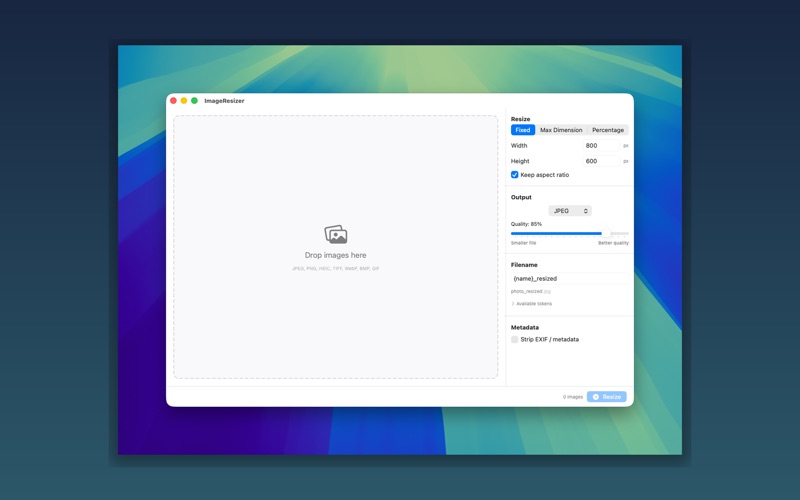
ImageResizer makes batch image resizing effortless. Drop your images in, pick your settings, and resize — all in one click.

Whether you're preparing images for the web, creating thumbnails, or scaling photos for social media, ImageResizer handles it without the complexity of full-blown image editors.

THREE RESIZE MODES
Use fixed dimensions for exact sizes, set a max dimension to scale proportionally, or use percentage scaling to shrink or enlarge by any amount. Aspect ratio is always preserved by default.

FORMAT CONVERSION
Output as JPEG, PNG, HEIC, or TIFF — or keep the original format. Adjust quality for lossy formats with a simple slider.

FLEXIBLE FILENAMES
Use template tokens to name your output files exactly how you want. Tokens like {name}, {width}, {height}, {date}, and {index} let you build any naming convention.

PRIVACY-FRIENDLY
Optionally strip EXIF metadata from your images — GPS location, camera info, timestamps — while preserving color profiles.

BATCH PROCESSING
Drop entire folders onto ImageResizer and process hundreds of images at once. Track progress per image in the queue.
Built as a native macOS app with no subscriptions, no accounts, and no data collection.