


Description
Speak to Clipboard lets you talk to your AI tools instead of typing
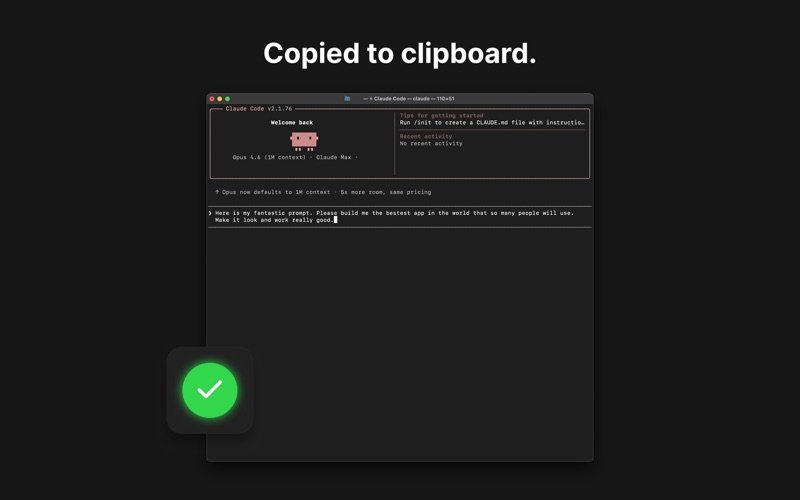
Speak to Clipboard lets you talk to your AI tools instead of typing. The small floating window stays above your other apps, so it’s always ready when you need it. Click the mic, speak, click again. Your words are transcribed and copied to your clipboard, ready to paste into Claude Code, Cursor, your terminal, or any app on your Mac.

Stop typing long prompts. Just say what you need and paste it. It’s perfect for working with AI assistants, command line tools, code editors, and chat interfaces where voice input isn’t built in.

All speech recognition happens on-device using Apple’s built-in dictation engine. No audio leaves your Mac. No account, no API keys, no subscriptions. Your voice data stays completely private.
分类: 工具(185746)
版本: 1.1
BundleId: com.barrylachapelle.speak-to-clipboard
开发者: Barry Lachapelle
最近更新: 2026-04-02
