Nyx Nox is intended for users who regularly read PDF documents and prefer a simple, unobtrusive viewer
Nyx Nox is intended for users who regularly read PDF documents and prefer a simple, unobtrusive viewer.

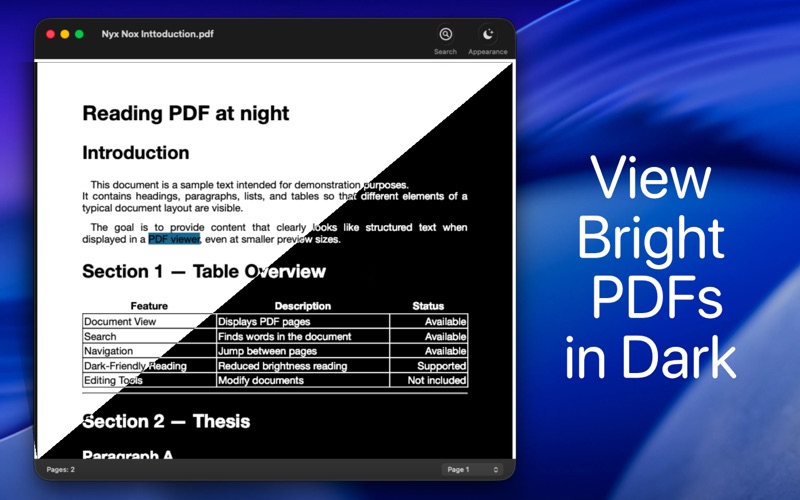
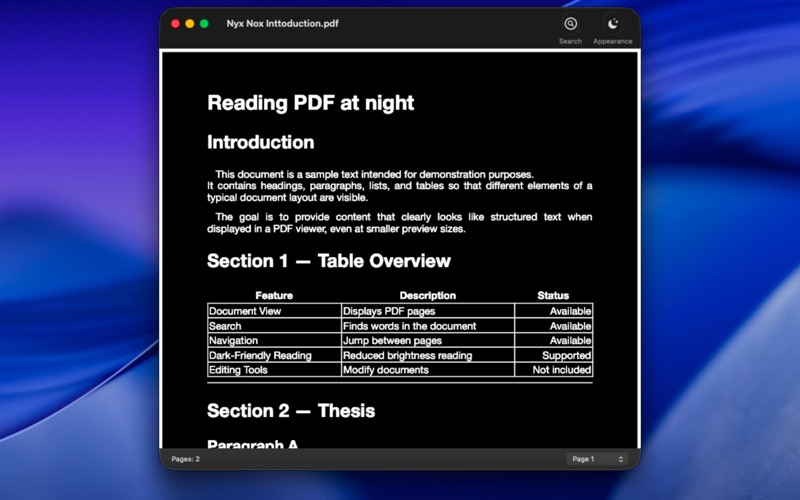
The application opens PDF files quickly and displays them with inverted colors by default. This display mode can be helpful for people who are sensitive to bright screens or who prefer working in dark mode. The display can be switched back to the standard view at any time.

Nyx Nox is developed using native macOS technologies and integrates naturally with the system. The application is intentionally lightweight.

The feature set focuses on the core tasks of a PDF viewer:

- Opening PDF documents via Finder, drag and drop, or the menu
- Reading documents using inverted color display
- Switching between standard and inverted display modes
- Full-text search within PDF documents
- Page navigation

Nyx Nox is intended exclusively for reading and viewing PDF files. Features for editing, annotating, or otherwise modifying documents are intentionally not included.

The application may be useful in particular for:

- Reading PDFs for extended periods
- Working with documentation or technical material
- Use in dark working environments or at night
- Users who find darker display modes more comfortable