Files and folders are somewhere in there. You're just not sure exactly where?
Ever wish certain things were grouped together but don't have the time or energy to reorganise?
Do you have project files you can't rename because everyone would lose their minds?
Got a board presentation and your folder structure is... let's not talk about it?

Free yourself from the limitations of Finder sidebar and default naming conventions. Reclaim the ease of organising and accessing all your data.

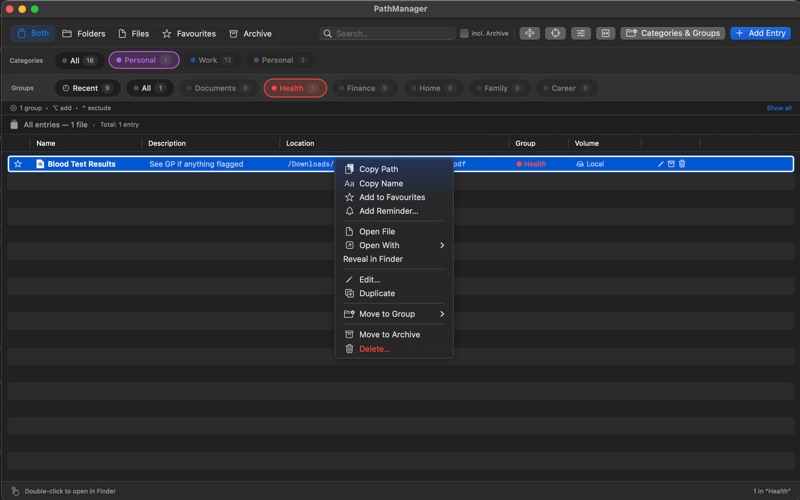
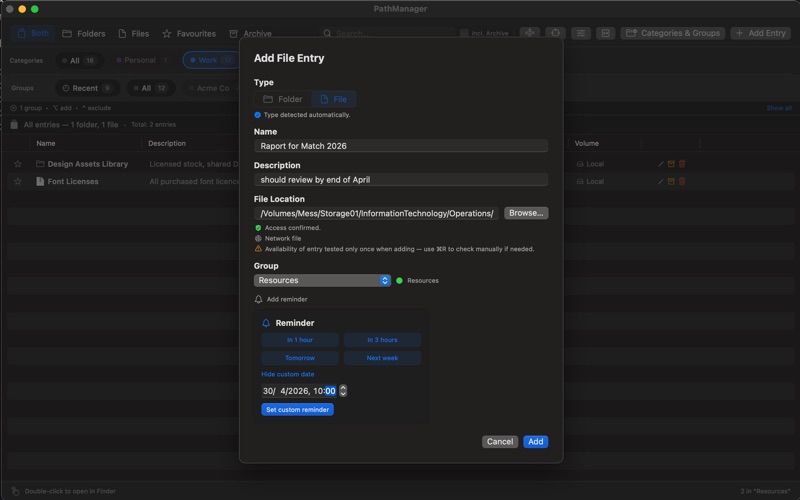
PathManager keeps all your important folders, files, and web bookmarks organised and one click away — without renaming or moving a single thing on disk.
Organise everything into categories and groups such as Work, Personal, Projects and open any path instantly.
Whether it's a deeply nested project folder, a frequently used document, a network share, or a web app you visit every day, PathManager puts it right where you need it.

One-click access
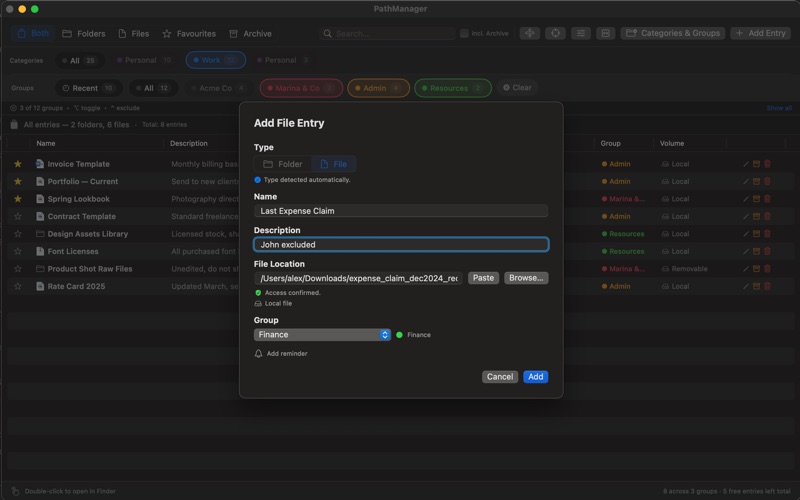
- Double-click any entry to open it directly in Finder or your default app. No more navigating through layers of folders.

Organised your way
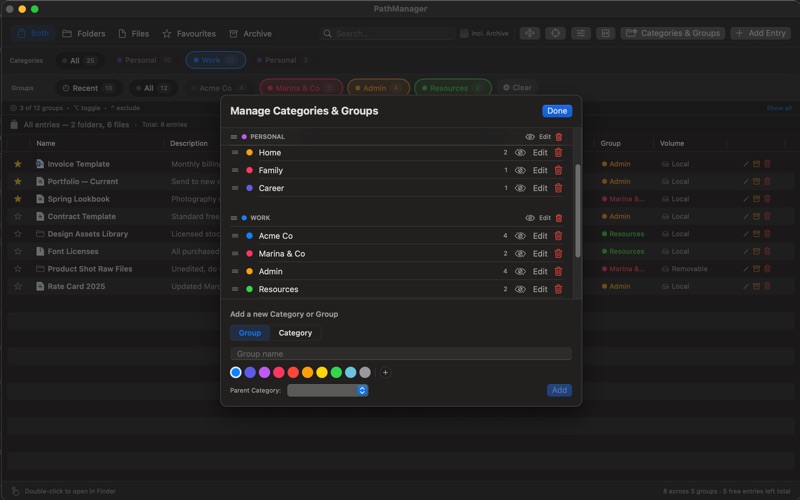
- Create categories and groups to structure your entries however makes sense for you. Colour-code them, reorder them, pin them.

Presentation mode
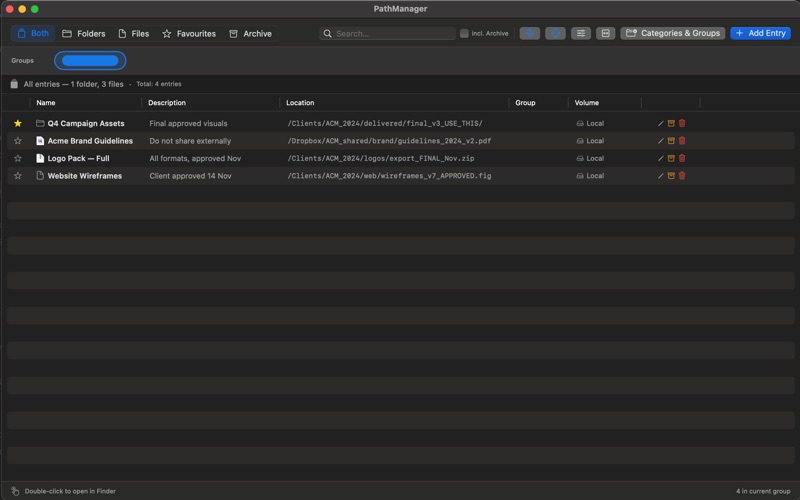
- Hide labels and focus on just what matters. Perfect for screen sharing when you don't want to expose your entire file structure.

Private by design
- PathManager is a fully sandboxed, read-only app. It never reads your file contents and never sends anything anywhere. No account required.

Smart search
- Search across names, paths, descriptions and groups instantly. Results update as you type.

Reminders
- Set reminders on any entry — never forget to revisit an important project folder or document.

Archive
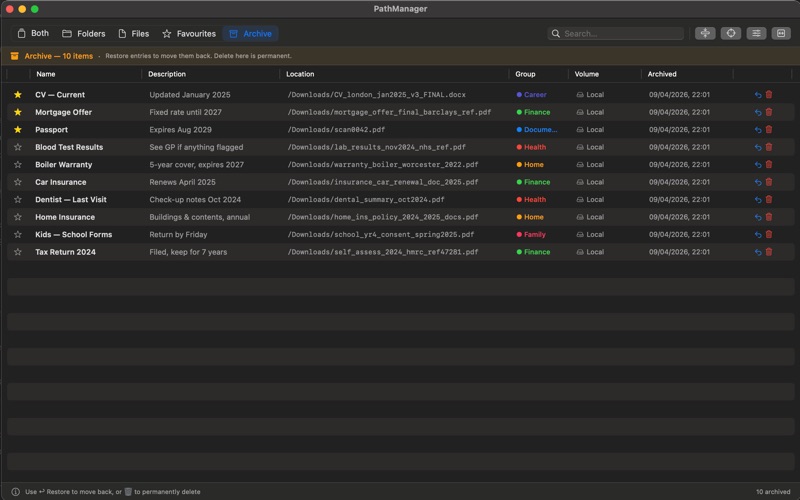
- Maybe you need it, maybe you don't — still one click away when you do.

Explore all the features, PathManager for Mac is free to try with up to 30 entries.

Unlock unlimited entries with a one-time purchase.