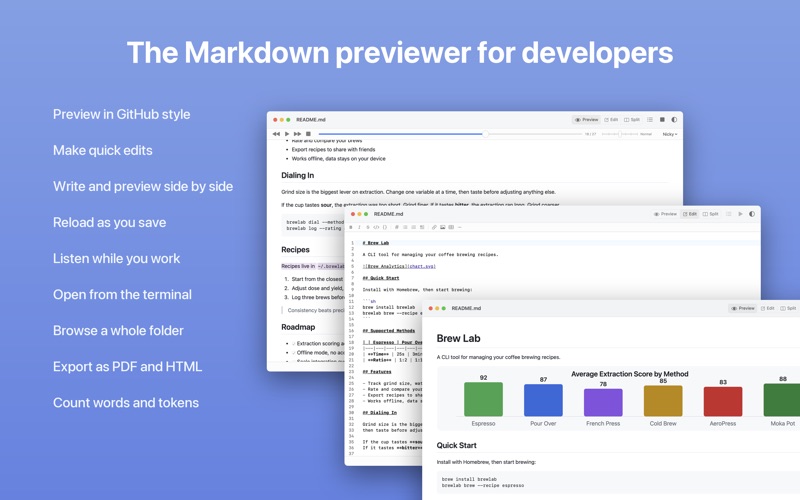
• Light editing with syntax highlighting and a formatting toolbar
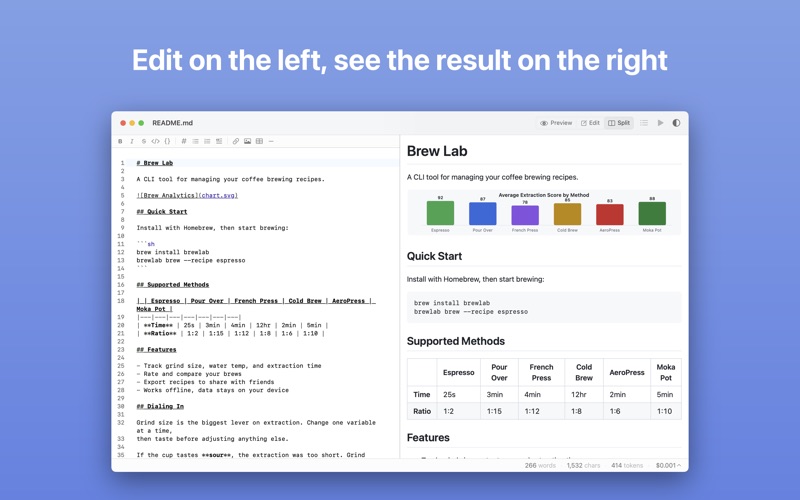
• Side by side editor and preview, synchronized scrolling
• Text to speech that reads the document, highlighting each word as it goes
• Light editing with syntax highlighting and a formatting toolbar
• Side by side editor and preview, synchronized scrolling
• Text to speech that reads the document, highlighting each word as it goes
• Live reload that refreshes automatically when files change in any editor
• GitHub Flavoured Markdown rendered with syntax highlighting
• Folder mode with sidebar for browsing markdown directories
• Bundled CLI tool (mdp) for opening files and folders from the terminal
• Export as PDF, HTML, or print
• Appearance switching between Light, Dark, and System
• Find in document with live highlighting (Cmd+F), in preview and editor
• Save with Cmd+S, with an unsaved changes prompt when closing or switching files
• Table of contents dropdown for quick navigation
• Internal link navigation between documents
• AI cost estimation across popular language models, using a bundled tokenizer with no network calls