Palomino is a photo culling app for macOS. It reads the embedded JPEG preview baked into every RAW file by your camera, and loads standalone JPEGs directly, so a 500-shot folder is on screen within seconds of opening it. There is no import step.

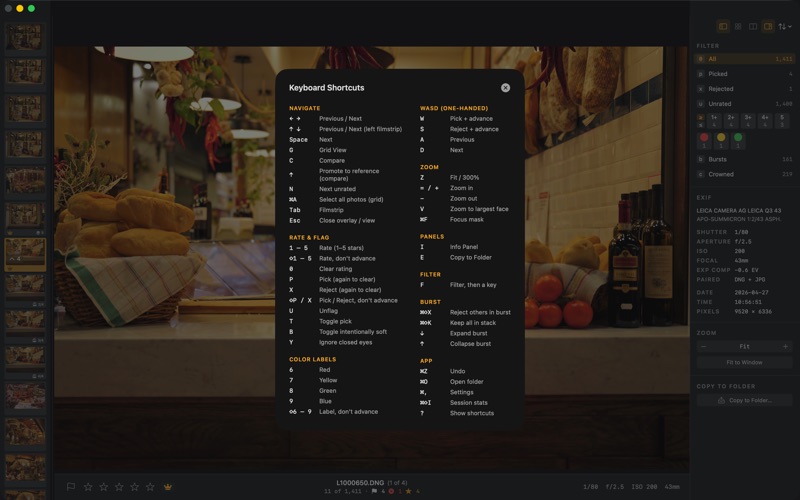
Everything runs from the keyboard. P picks a photo, X rejects it, U clears the flag. Numbers 1 through 5 set star ratings. Color labels go on 6 through 9. Palomino advances to the next photo automatically after each decision, so you can cull a full shoot without touching the mouse. In the grid you can select several photos at once and apply one decision to all of them, and a single undo restores the whole batch.

Palomino reads each photo while you work. It flags overexposed, underexposed, and soft frames, groups burst sequences and points to the best frame, and detects faces so V zooms straight to the eyes and a badge marks closed eyes. A focus mask paints the sharp areas of the photo green, so you can see whether focus landed on the eye without zooming in. This analysis runs in the background and never slows down navigation.

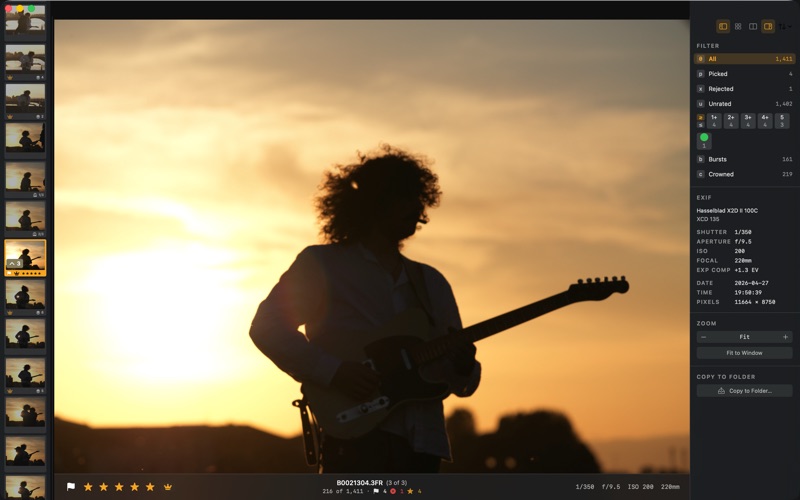
The filter bar narrows your session to a specific set: picks, rejects, a star rating, a color label, bursts, capture days, or any combination. Navigation adapts to your active filter, so the arrow keys only visit photos in the current set, and the grid sorts by capture date, filename, file size, or date modified. The compare view puts two frames side by side with zoom and pan linked across both panes. The arrow keys step the challenger through the shoot, and the up arrow promotes it to your new reference when it wins, so you keep testing every frame against your best one.

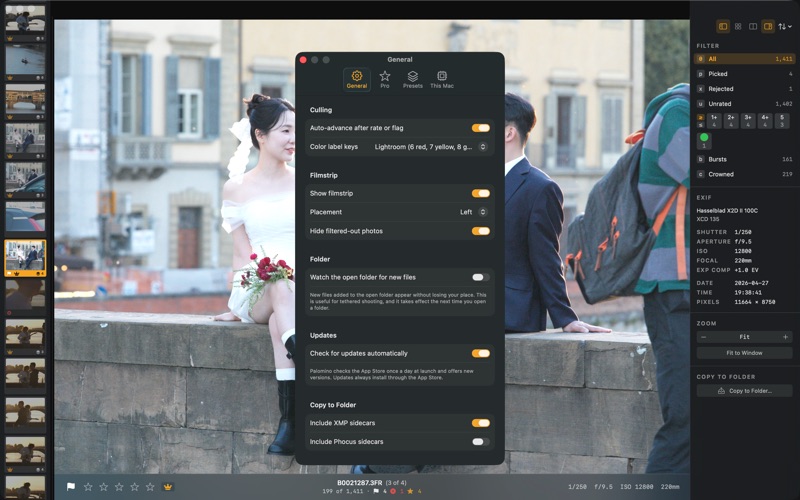
Export copies the photos that match your filter to any folder you choose, by flag or by minimum star rating. You can rename files as they export using capture-data tokens like date, camera, and sequence number. Export presets save the whole setup for repeat jobs, including the naming template. You can split high-ISO photos into a separate folder for a denoiser pass, and carry the XMP sidecars along so your ratings arrive intact in your editor. If you shoot RAW+JPEG pairs, you can export the companion JPEG instead of the RAW. Palomino handles DCIM-style card structures where a shoot spans multiple subfolders.

Your picks and ratings are saved in standard XMP sidecar files next to your photos, so everything is exactly where you left it when you open the same folder again. After a session, Palomino shows your total time, culling rate, and rating breakdown.

Palomino is free to download and exports up to 50 photos per session. Palomino Pro removes the export limit for a one-time purchase with no subscription.