

Description
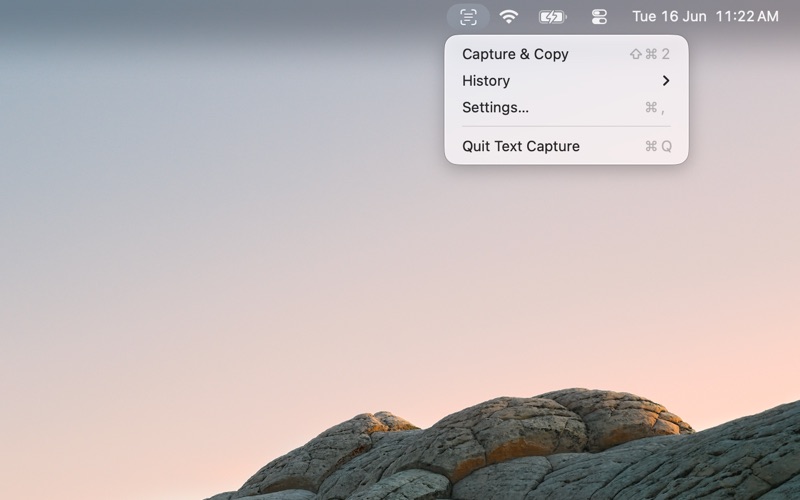
Text Capture lets you copy text from anywhere on your Mac screen
Text Capture lets you copy text from anywhere on your Mac screen.

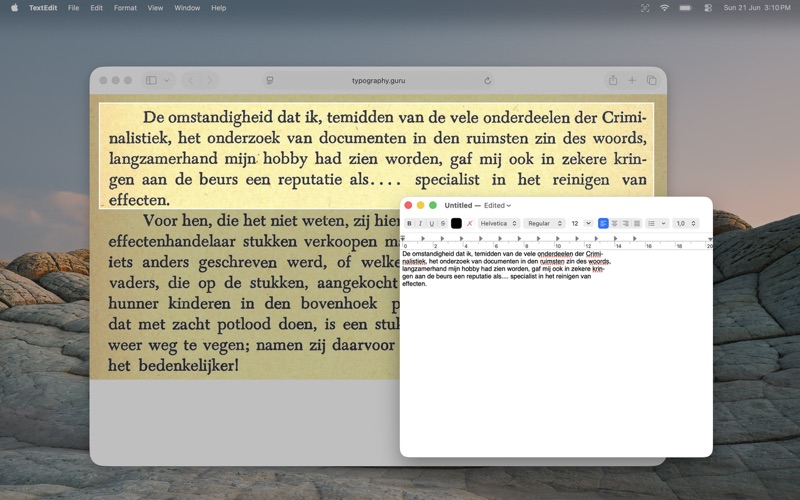
Select any region of your screen, and Text Capture converts visible text into editable text using Apple’s on-device OCR. It works with images, videos, PDFs, presentations, screenshots, and other content that normally cannot be selected.

Features:

  • Drag to select any screen region
  • Recognize text using Apple’s on-device Vision framework
  • Automatic language detection for OCR
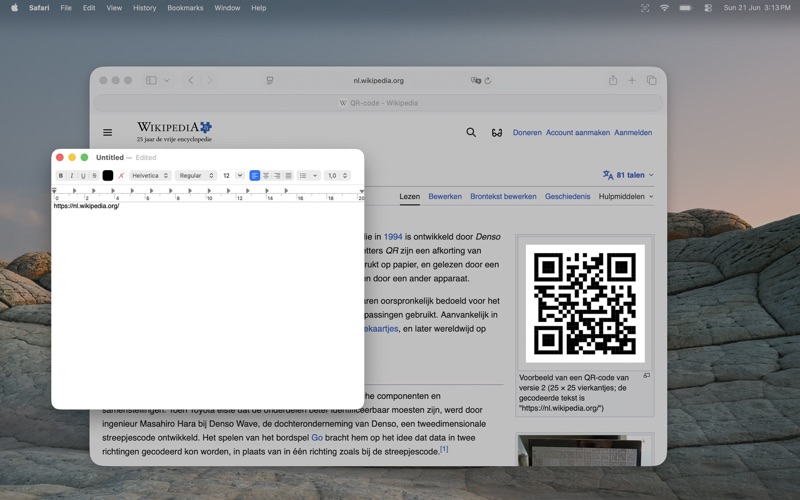
  • Detect and copy QR code contents
  • Automatically copy recognized content to the clipboard
  • Capture history for up to 20 recent captures
  • Configurable global hotkey
  • Optional capture notifications
  • Menu bar or Dock mode
  • Launch at login
  • Works offline

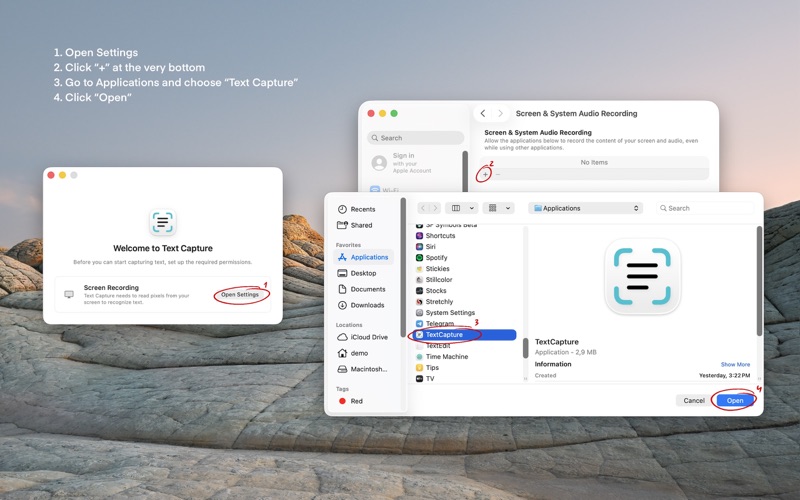
Text Capture only reads screen content when you explicitly start a capture. The selected pixels are processed locally on your Mac and discarded after recognition. Capture history is stored locally and can be cleared at any time.
CategoryLabel效率(96543)
VersionLabel1.1.1
BundleId: com.underratedsoftware.textcapture
DeveloperLabelVitalii Petrychuk
LastUpdatedLabel2026-07-08
