Create polished karaoke MP4 videos on your Mac using your own audio, lyrics, timing, and visual backgrounds
Create polished karaoke MP4 videos on your Mac using your own audio, lyrics, timing, and visual backgrounds.

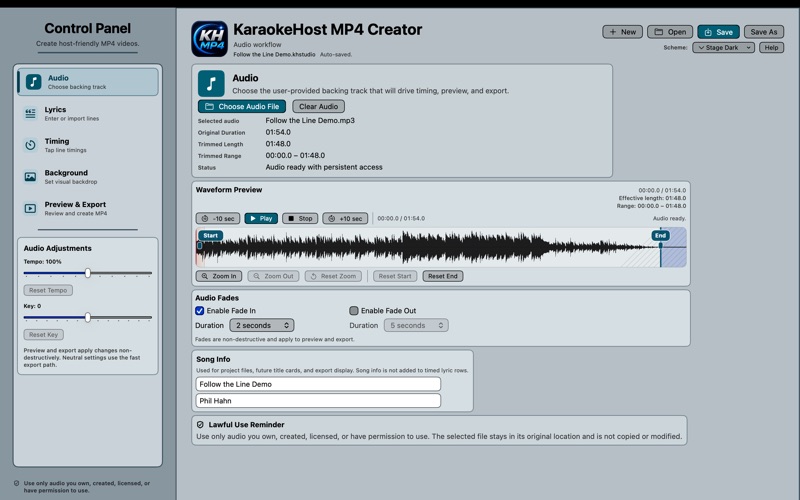
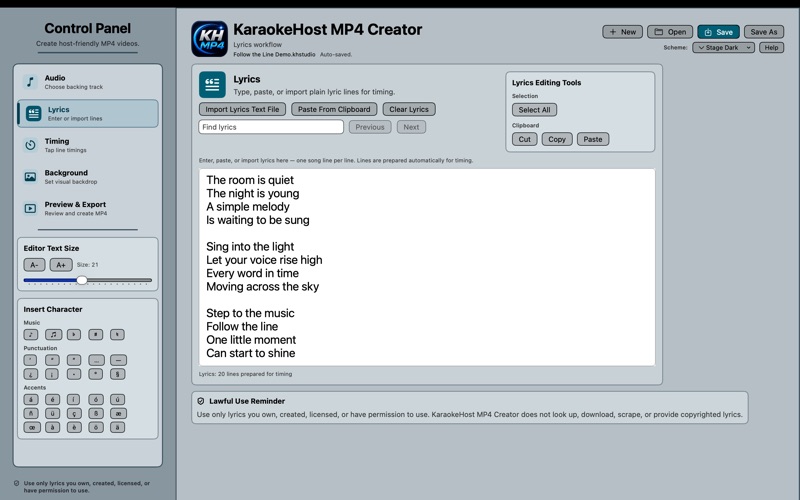
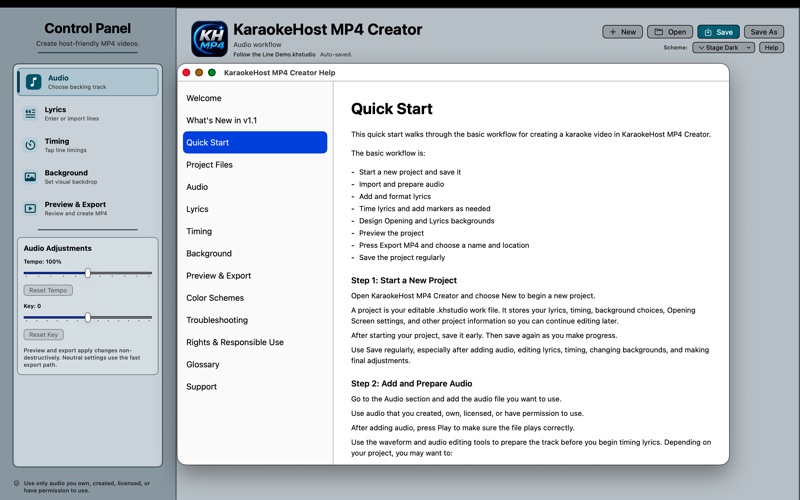
KaraokeHost MP4 Creator guides you through the complete creation process—from selecting and adjusting your audio to entering lyrics, timing each line, designing the opening and lyrics screens, previewing the finished performance, and exporting a ready-to-play MP4 video.

KEY FEATURES

• Import your own audio files
• Trim audio using a visual waveform
• Adjust tempo and key non-destructively
• Add fade-in and fade-out effects
• Enter or import song lyrics
• Set accurate line-by-line lyric timing
• Add Intro, Break, and Outro markers
• Edit, retimestamp, and fine-tune individual timing entries
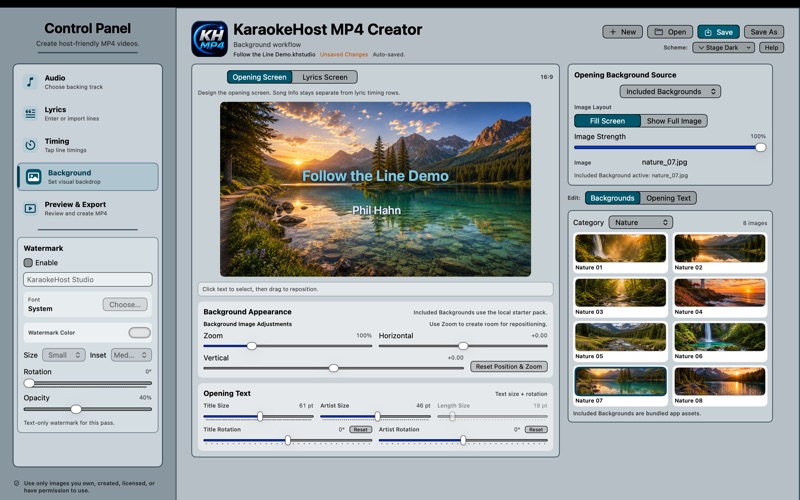
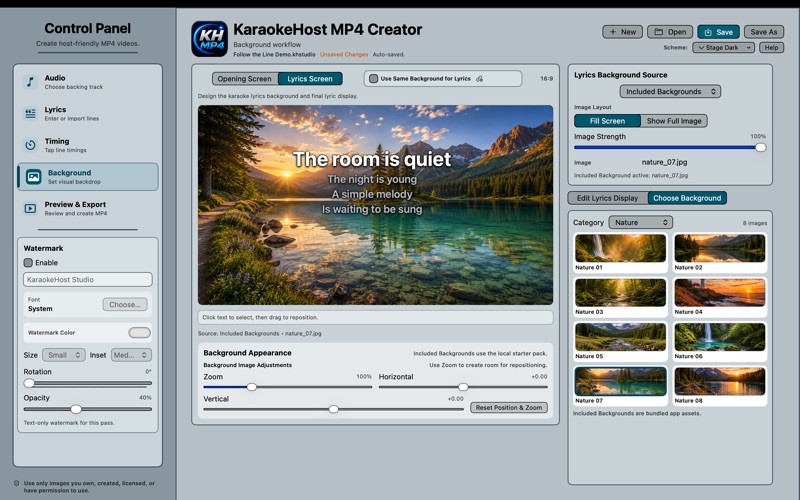
• Choose built-in backgrounds or use your own images
• Customize opening-screen and lyrics-screen displays
• Select and drag text directly in the background previews
• Edit song title, artist, and watermark text
• Adjust lyric colors, active-line styling, and font sizes
• Add creator and song labels
• Preview the complete karaoke video before exporting
• Save projects for continued editing
• Export standard MP4 video files

CREATE ON YOUR MAC

KaraokeHost MP4 Creator works locally on your Mac. No account or internet connection is required, and your original audio and image files are not modified.

Saved projects preserve your timing, text, design choices, and references to selected media so you can continue working later while the original files remain available.

USE YOUR MP4 ANYWHERE

Exported MP4 files can be added to your karaoke library for live shows or used with other compatible video players and karaoke applications.

Use only audio, lyrics, and images that you own, created, licensed, or have permission to use.